
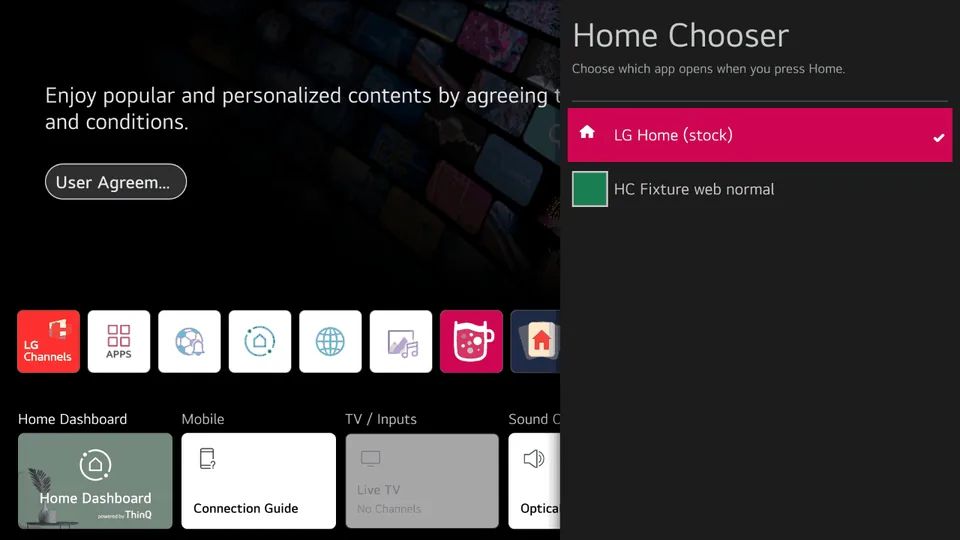
Home Chooser lets you pick which app the Home button on the remote opens: LG's own Home, or a launcher you have installed, such as a dock or an alternative home screen.
Your choice stays in place after the TV restarts, and Home Chooser puts LG Home back by itself if the launcher or Home Chooser is removed.
Requirements
The TV must be rooted, with Homebrew Channel installed and running with root access.
webOS 5 to 12 are supported. On webOS 11 and later, Home Chooser needs Homebrew Channel 0.8.0 or later; earlier releases don't give apps root access there.
Home Chooser has no launcher of its own. It lists every installed app that declares itself a Home app.
How to use
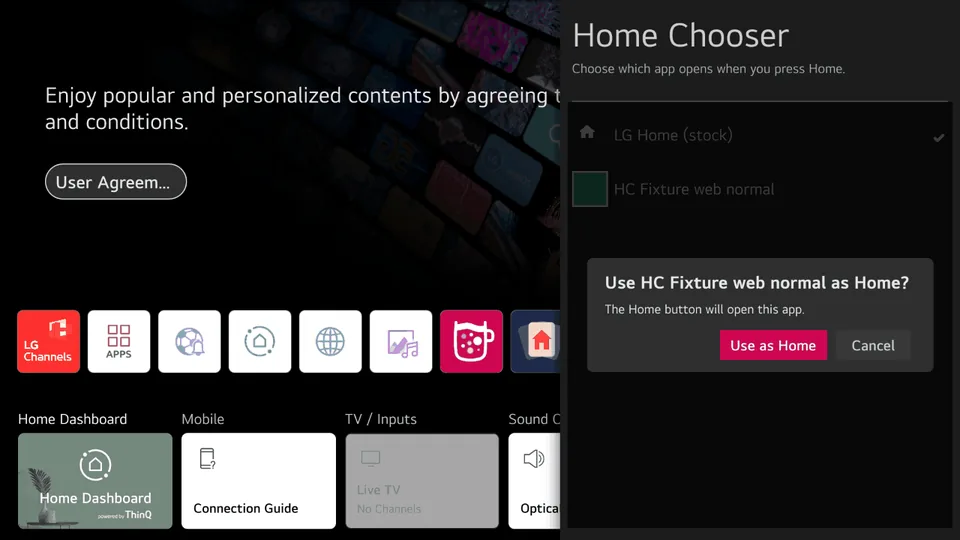
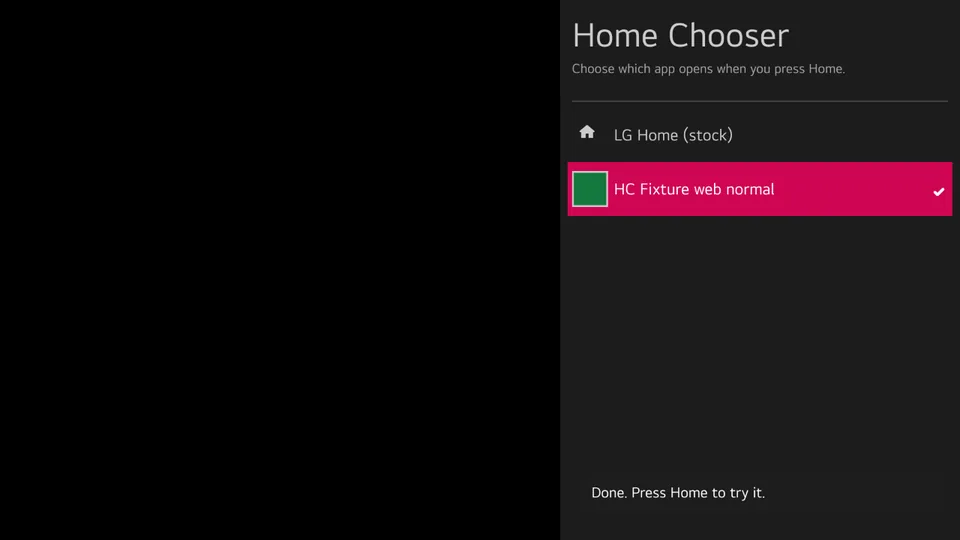
Open Home Chooser, move to your launcher, press OK and confirm. Press Home to try it. The change takes effect at once, with no restart. To go back, choose "LG Home (stock)" in Home Chooser.
Launcher authors can build against the launcher API described in the repository.