
webOS 64-bit bridge
Userspace compatibility layer enabling 64‑bit webOS applications to run on LG webOS TVs.
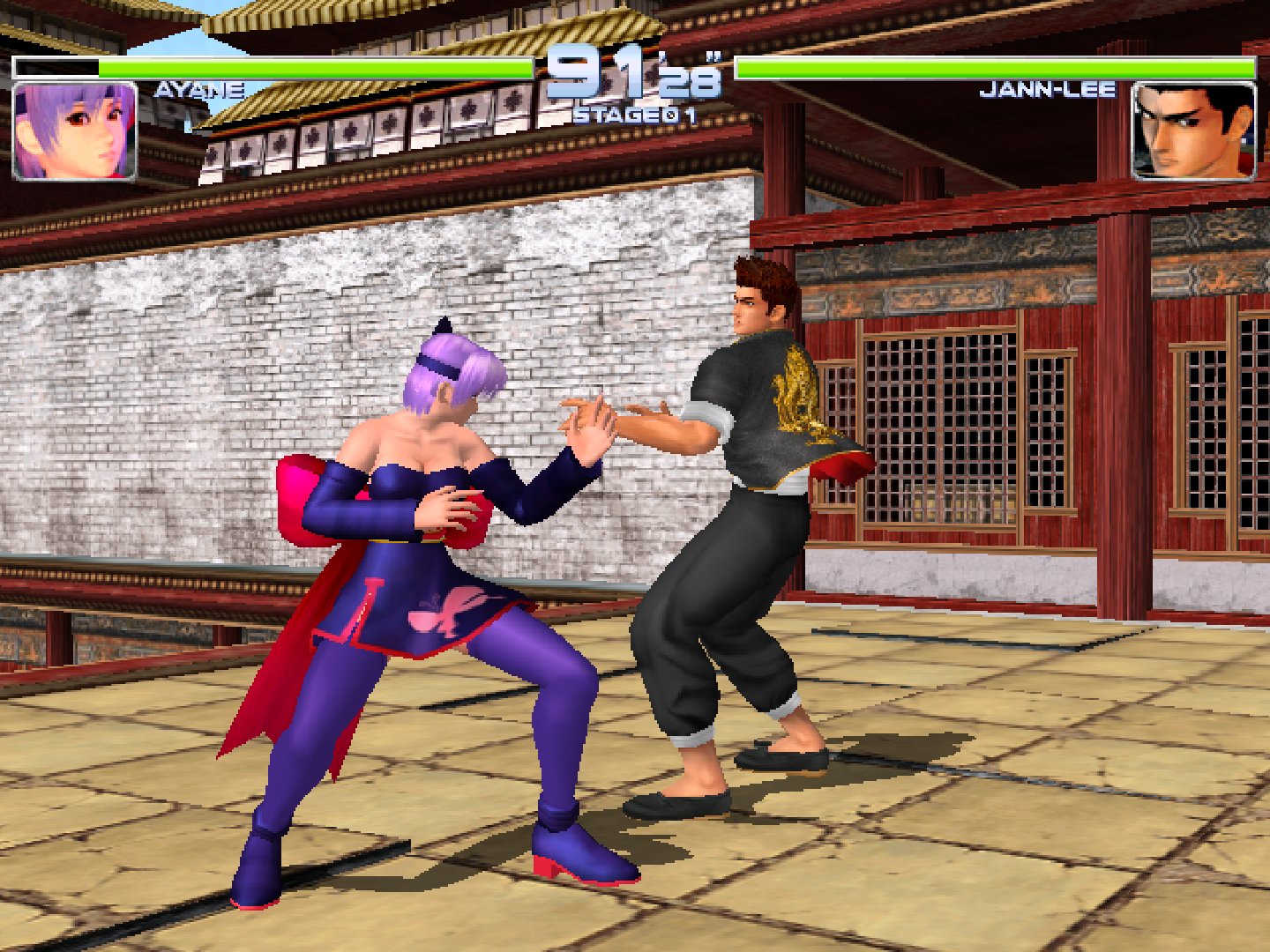
webOS 64 to 32 Bridge provides a lightweight, high‑performance translation layer that forwards: - EGL context creation - GLES2/GLES3 rendering commands - Wayland protocol calls - between 64‑bit apps and your existing 32‑bit libGLES/libEGL libraries
This allows 64‑bit applications to run on LG's 32‑bit userspace without modification.
Requirements
- Your LGTV must be running a aarch64 kernel. Check with
uname -a.
Status
- Development stage: experimental / in‑progress
- Tested on: webOS 4.5, webOS 25, webOS 26
- Architectures: AArch64 host
Notes
- The bridge is a service, not an application
- You need to install 64-bit apps seperately, such as RetroArch.
- A test app is bundled with the service
- Debug logs are available via SSH under
/media/developer/temp/gles_proxy.log.
Usage
- Install the IPK
- Launch webOS 64 to 32 Bridge from the menu to test functioning bridge.
- If you see a rotating cube AND playing music then the bridge is functioning.
- Exit through the back button on your remote.
- Launch 64‑bit application e.g. RetroArch
If a 64‑bit app fails to start, check the log file as above.