
Punktfunk is a low-latency desktop and game streaming solution.



Features
- Video. Up to 4K165 with HDR. HEVC or H.264, decoded by the TV's media pipeline.
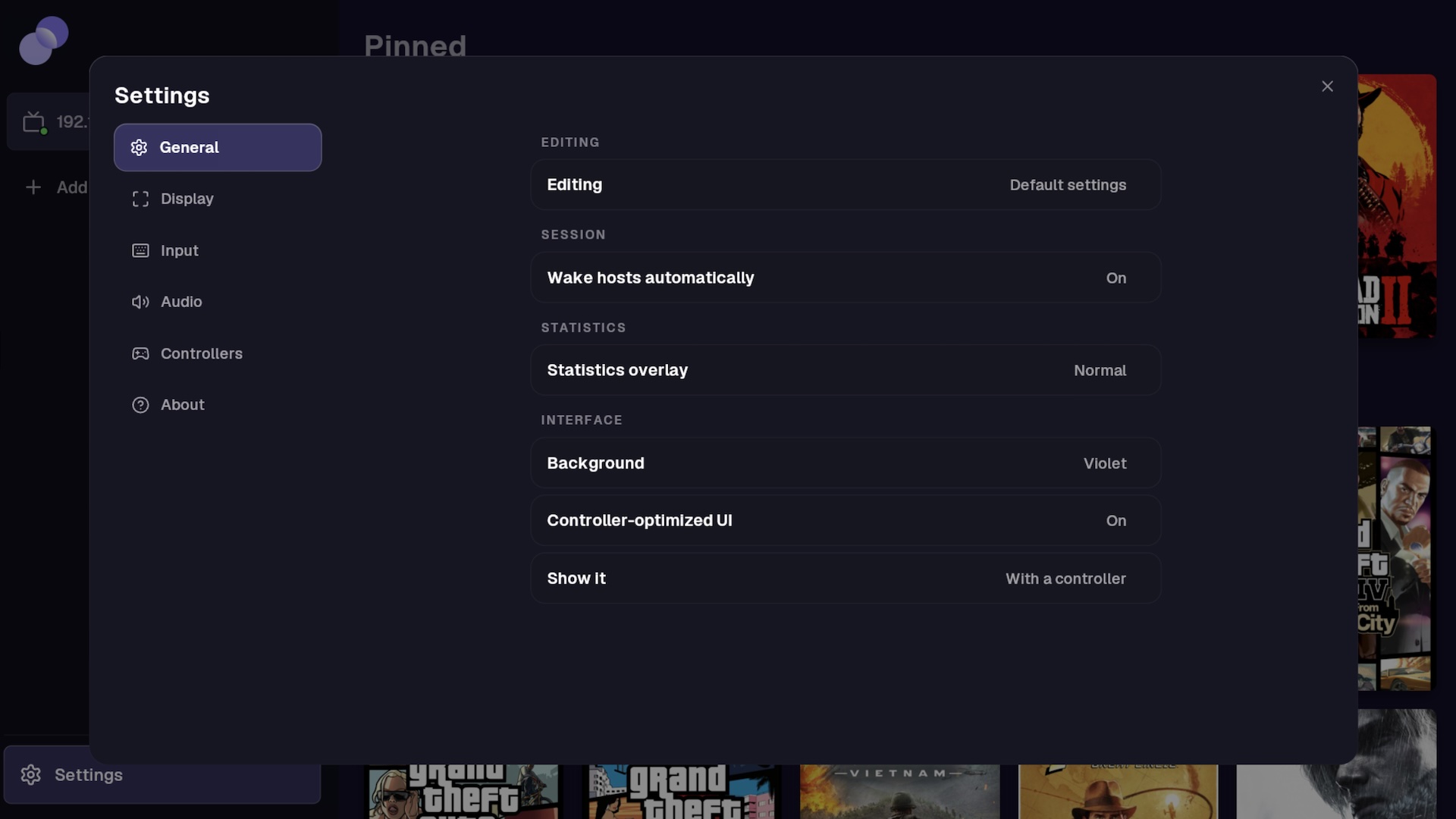
- Bitrate. Automatic mode adapts to the network, or set a fixed rate up to 200 Mbps.
- Audio. Stereo, 5.1 or 7.1 (webOS 5+), decoded in software or offloaded to media pipeline.
- Per-game presets. Any game can override the global resolution, frame rate, bitrate, codec, HDR, audio or controller settings.
- Input. Magic Remote, multiple gamepads, USB keyboard and mouse. Cursor capture for games or absolute for the desktop, gestures.
- DualSense. Adaptive triggers, lightbar, player LEDs, touchpad, gyro, speakers and haptics over Bluetooth or wired.
- Host power. Wake-on-LAN, and configurable host power management for sleep or full shut down.
- Game mode (rooted TVs). Switches picture and sound to Game mode while streaming, and restores the previous settings on exit.
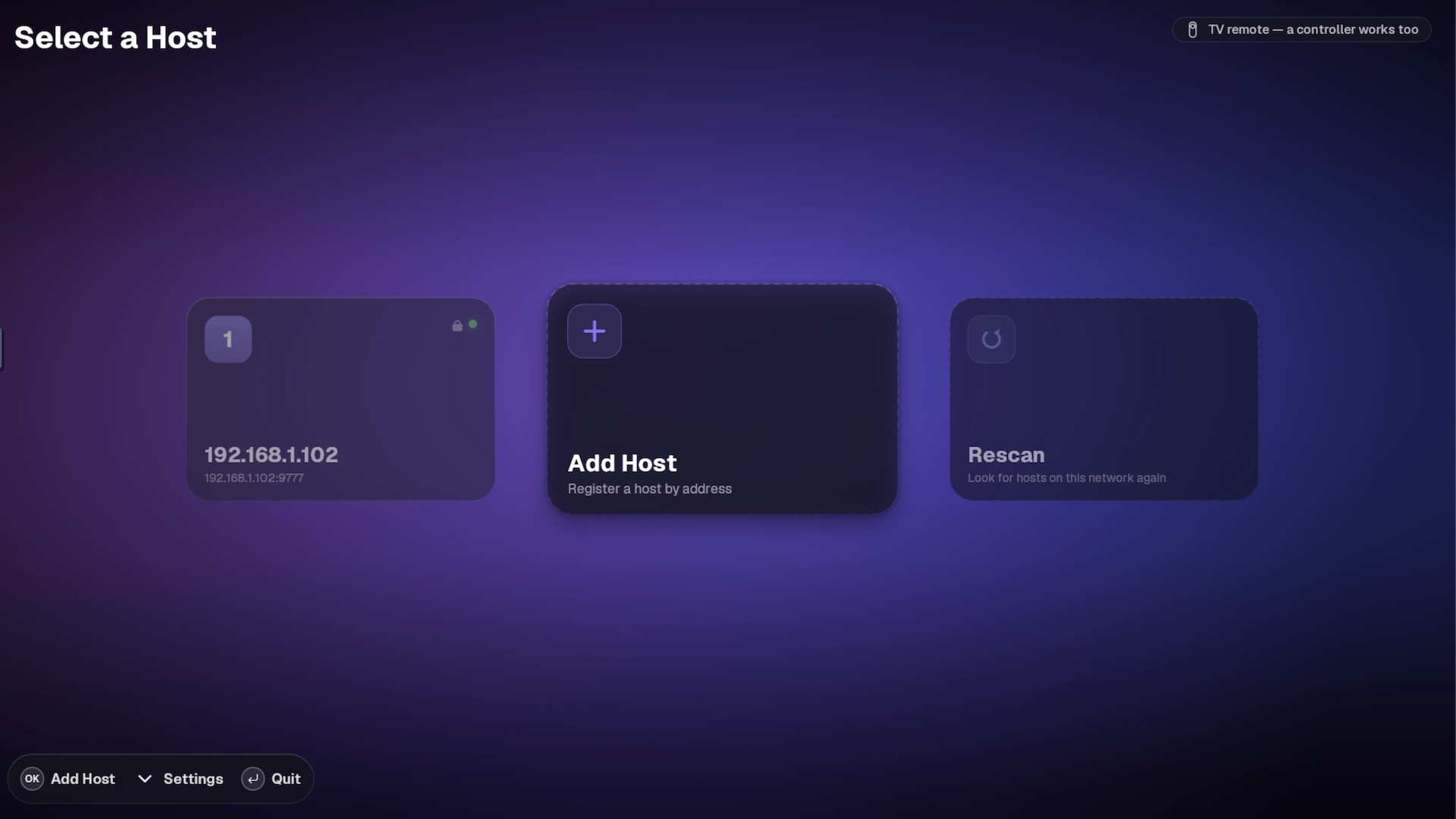
- Pairing. Hosts are found on your network automatically, or added by IP.
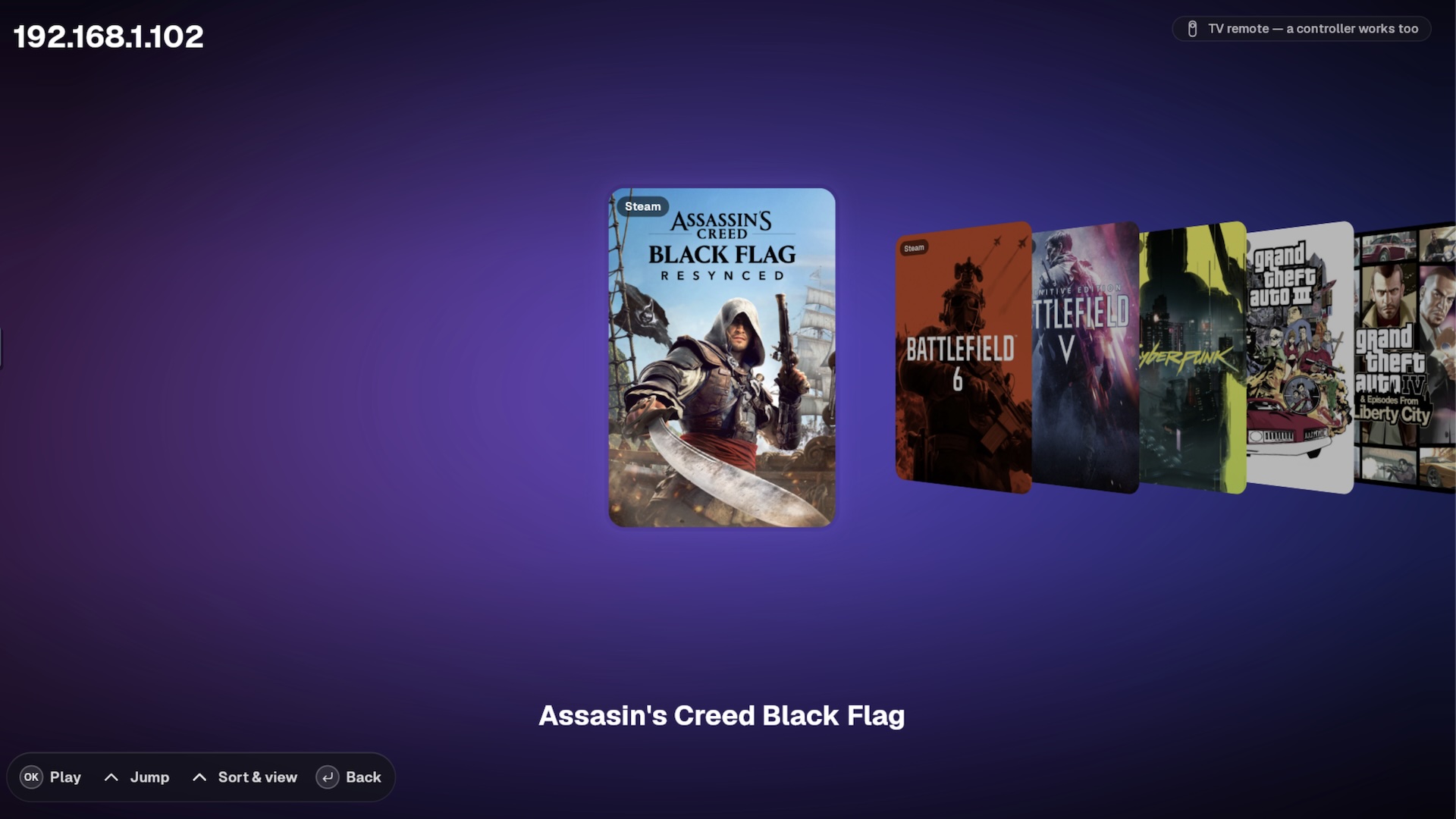
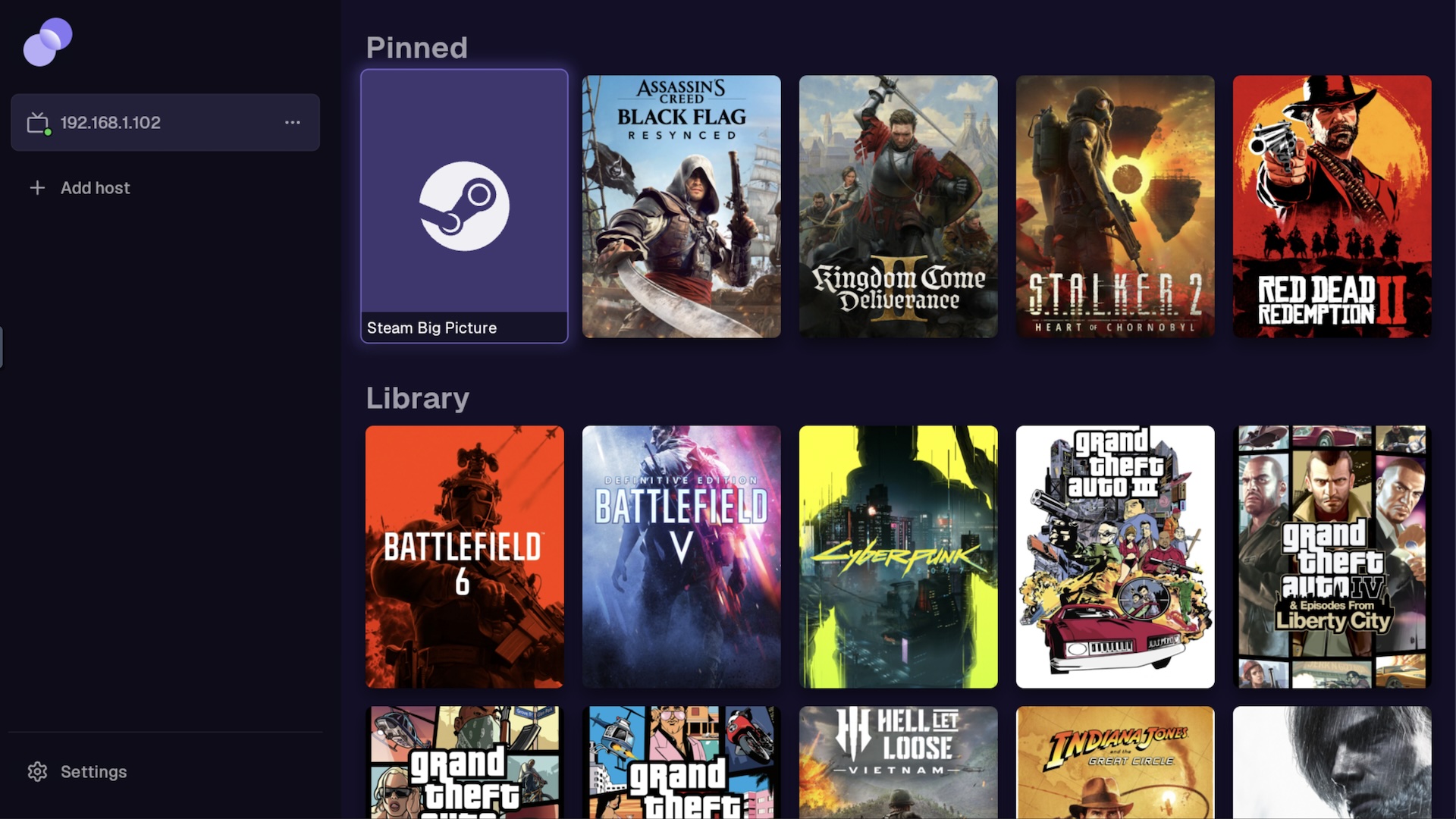
- Library. Browse the host's games and launch straight into it, custom game collections.
- Input-Optimized UI. A full-screen interface for gamepads, and a console interface for remote/mouse/keyboard.
Some features are limited on older webOS versions:
- Spatial Audio. 5.1 and 7.1 are only available on webOS 5+.
- HEVC and HDR are only available on webOS 5+.
- DualSense. Haptics, triggers, speakers, touchpad, gyro and lightbar are only available on webOS 10+.
Needs a punktfunk host running on your PC — see the host setup guide to get started.
This app is created by dyptan-io and Enrico Bühler (unom). MIT / Apache-2.0.