
Chromium Browser
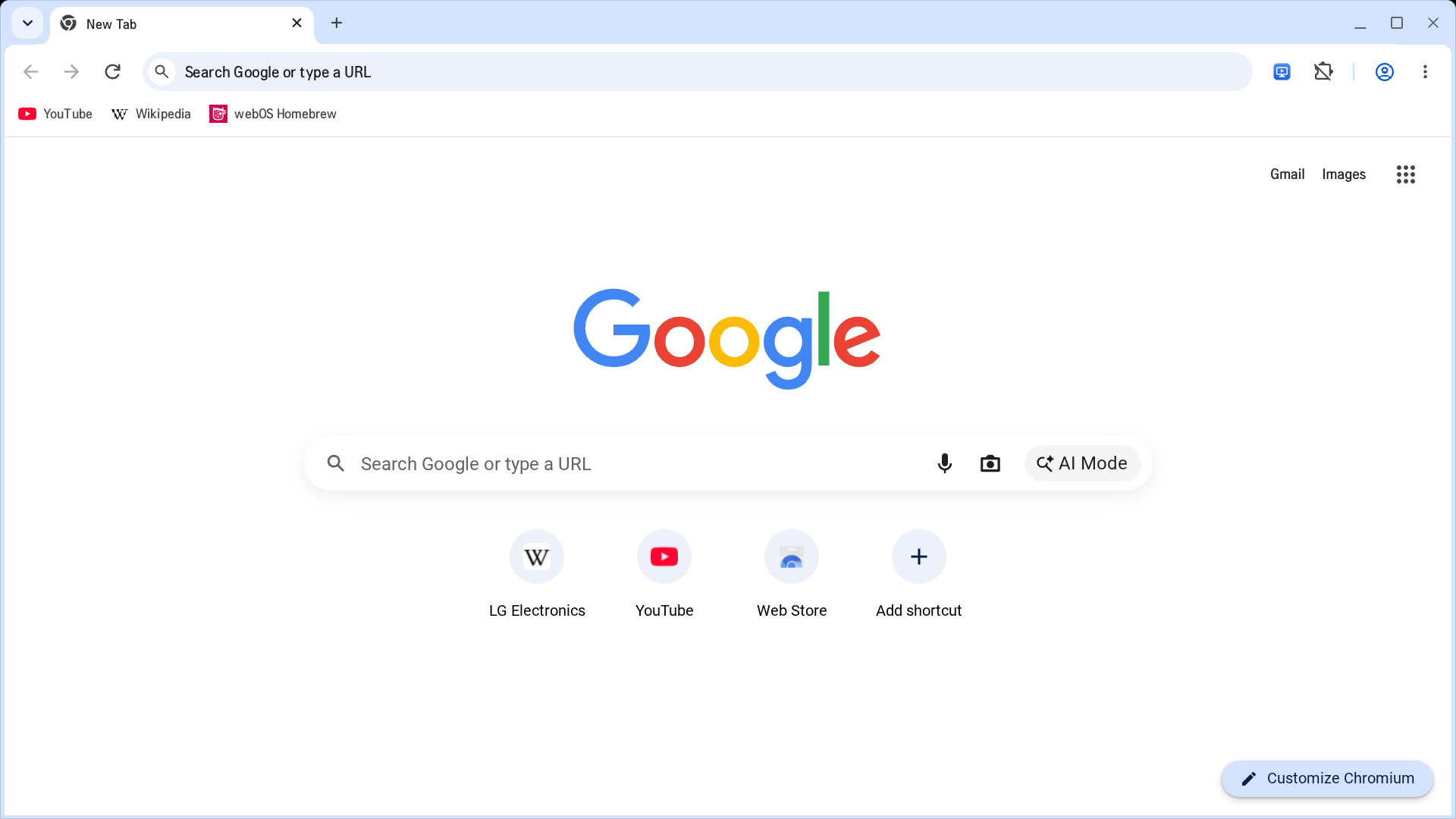
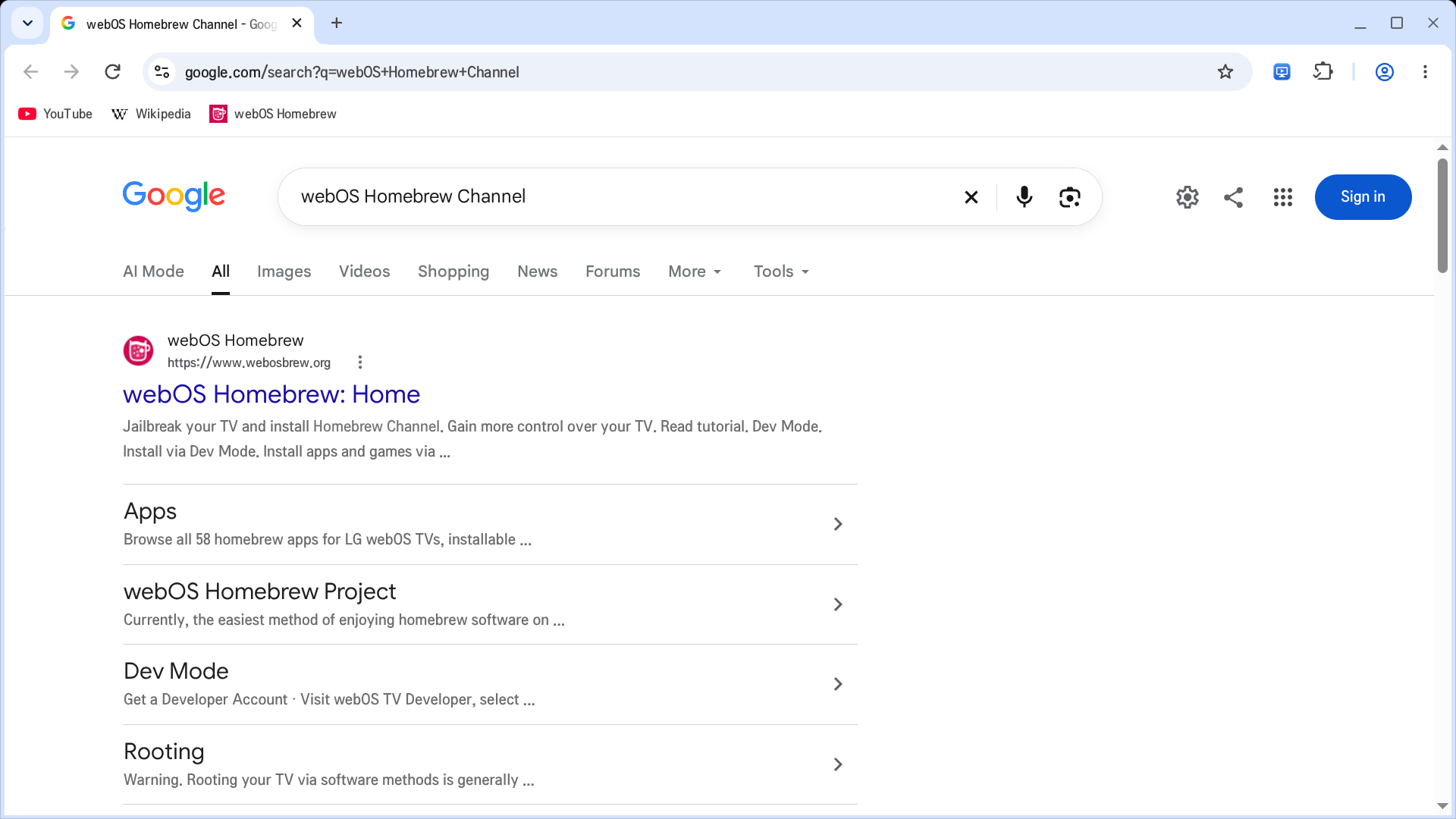
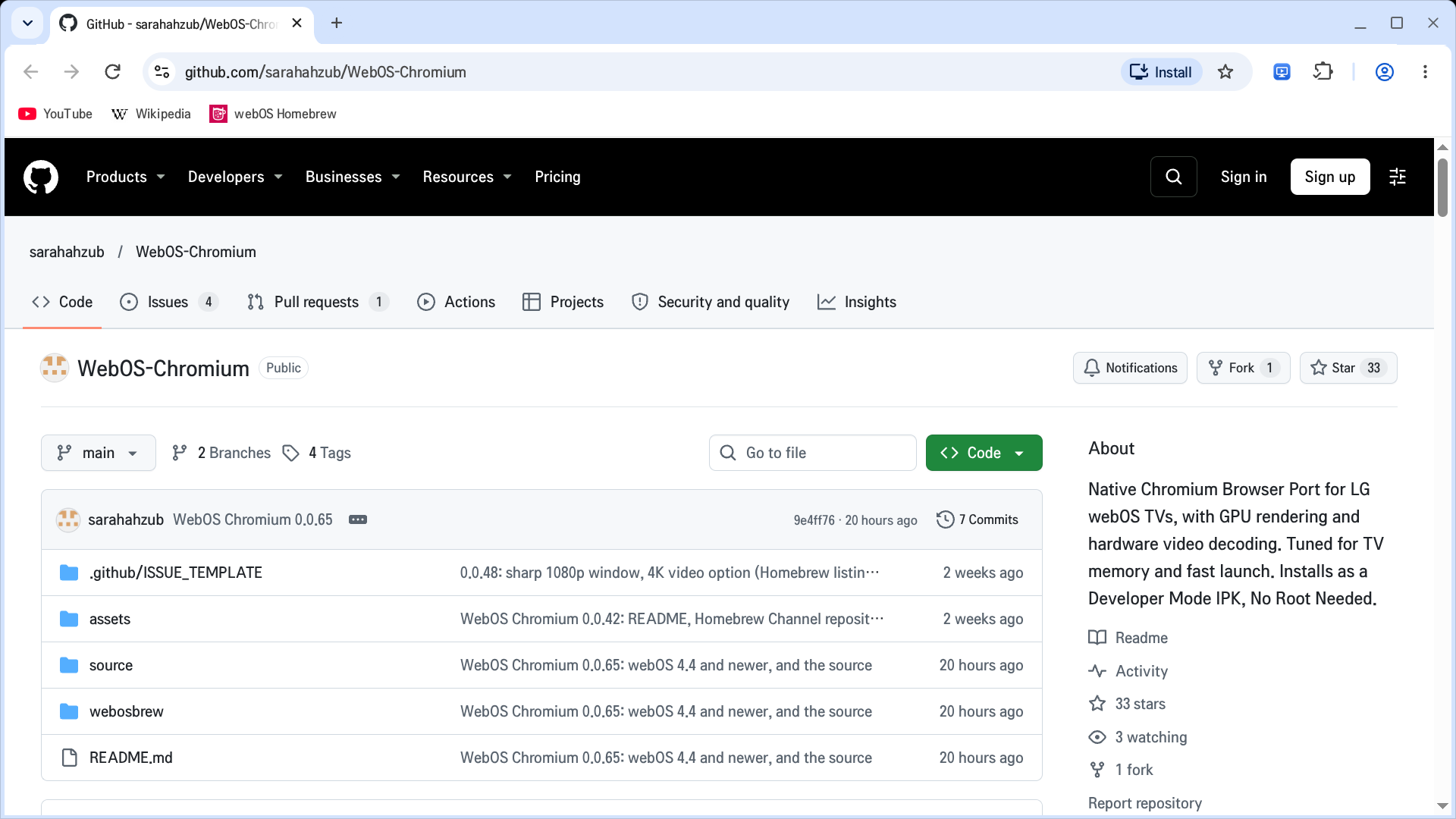
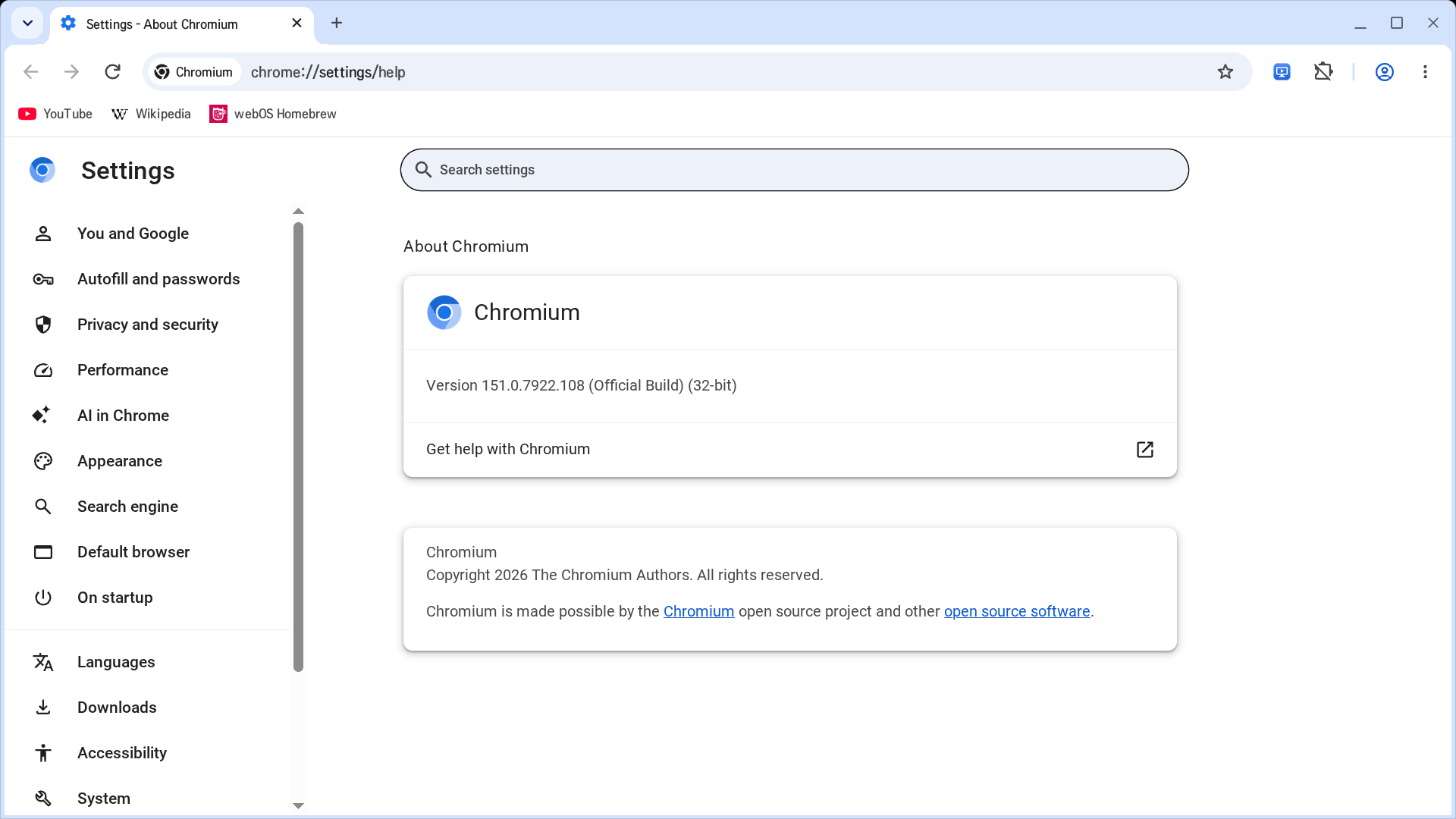
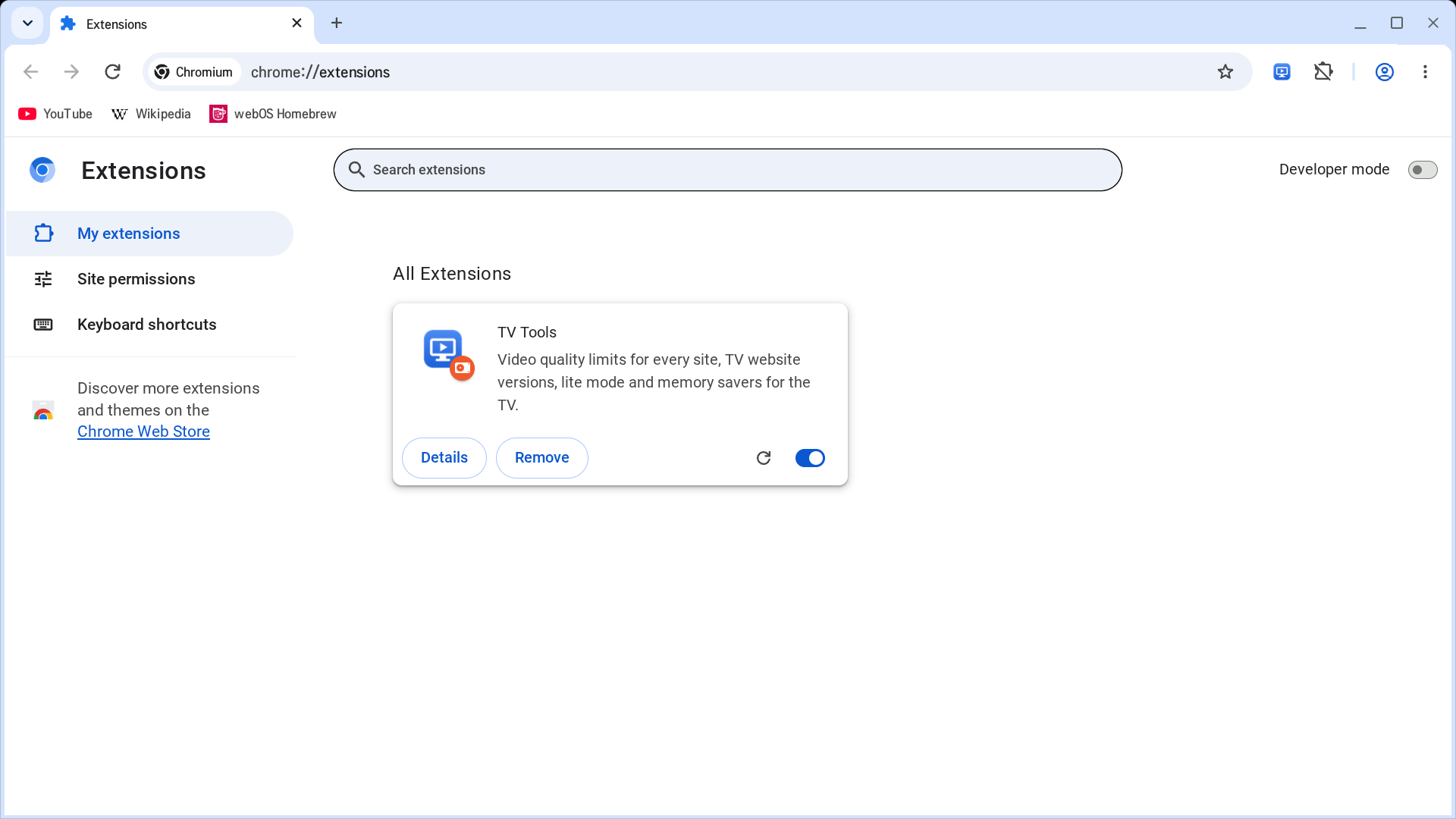
A desktop Chromium 151 built for the TV and running as an ordinary webOS app: tabs, the address bar, bookmarks, history, downloads, settings, and extensions from the Chrome Web Store. No root needed.
- Pages are drawn on the TV's GPU, and video on any site goes to the TV's hardware decoder (up to 1080p60).
- A sharp 1920x1080 window with the interface at 1.5x.
- The remote's arrows, OK and Back work everywhere, the Magic Remote pointer works as a mouse, and typing uses LG's on-screen keyboard.
- TV Tools, built in: a video quality limit for any site, TV versions of websites, lite mode, and a tab limit.
- Bookmarks and settings are kept on the TV and survive reboots.
Runs on webOS 4.4 (2018-2019 models) and newer. No Netflix or other DRM video, and no Google account sync.
Security note: the TV's system lacks features Chromium's sandbox needs, so the browser runs without its sandbox and with site isolation off. A malicious site that exploits a browser bug could read your logins, cookies and saved passwords for other sites. Keep the browser updated, and avoid signing in to important accounts or saving passwords on the TV.
About TV Tools: it works inside every page you open. It answers sites' video checks, removes video streams above your quality limit, and in TV mode tells sites the browser is a webOS TV. It also saves a small settings entry on each site you visit. If a site doesn't work right, turn TV Tools off for that site from its toolbar button to see whether it's the cause.
Source, supported TVs and bug reports: github.com/sarahahzub/WebOS-Chromium