
Your self-hosted Immich photo and video library on your LG TV, built to be browsed from the couch with the remote.
Features
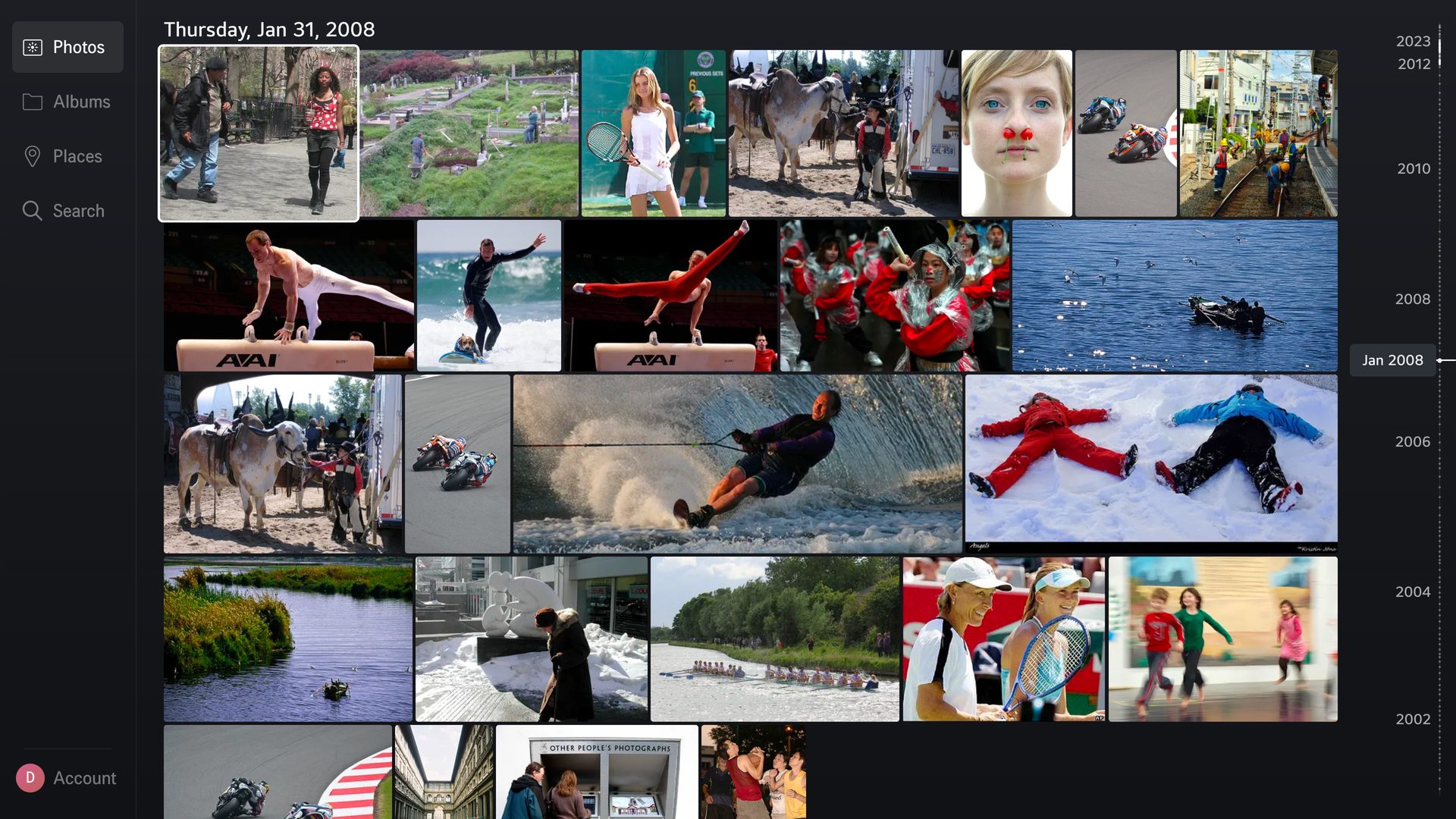
- Timeline — your whole library, day by day, with a date scrubber to jump to any month or year
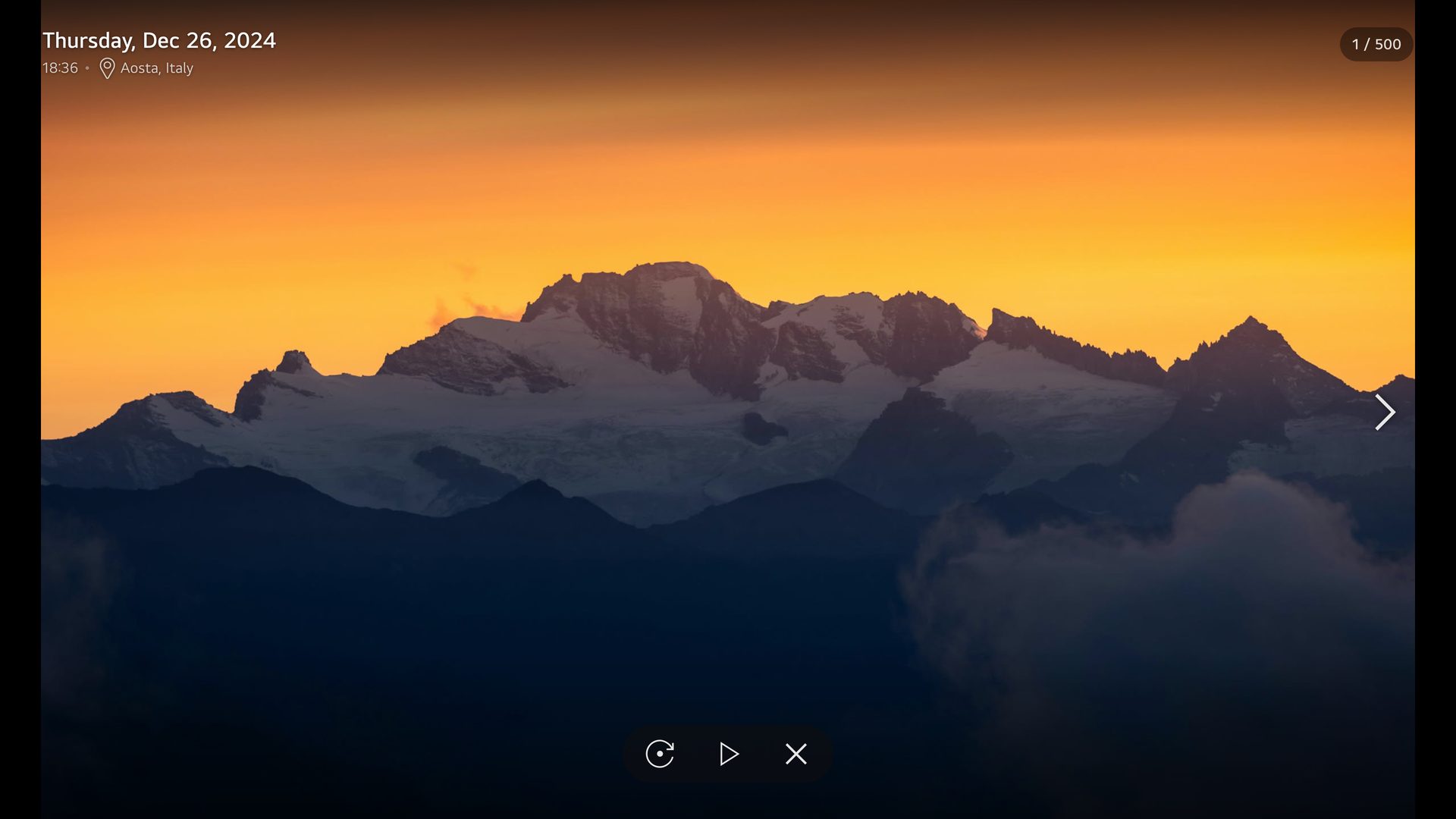
- Full-screen viewer — date, time and place at a glance; controls fade away to leave the photo alone
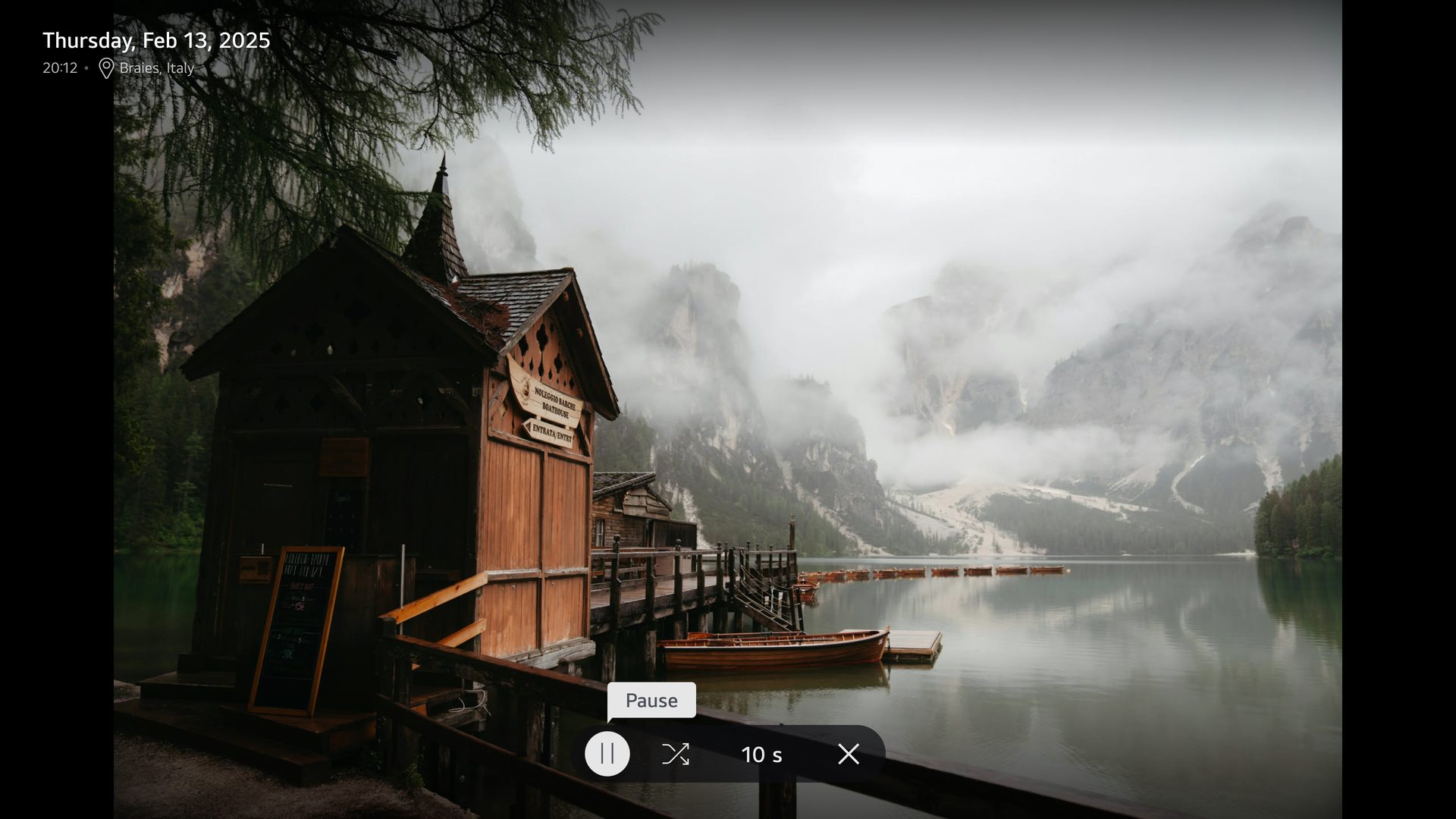
- Slideshow — from any photo, album or place: crossfades, shuffle, adjustable interval, and the screen saver stays away
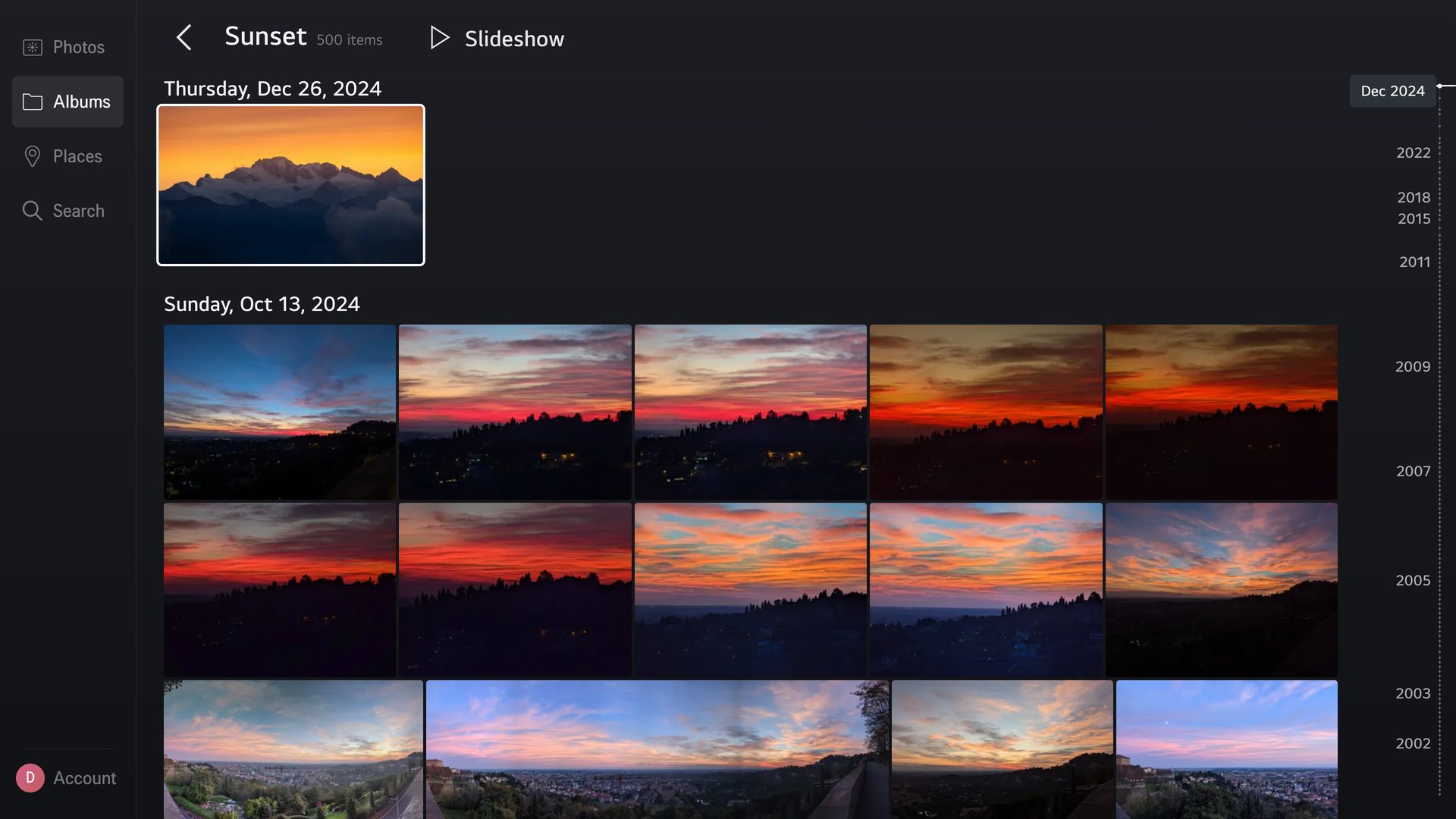
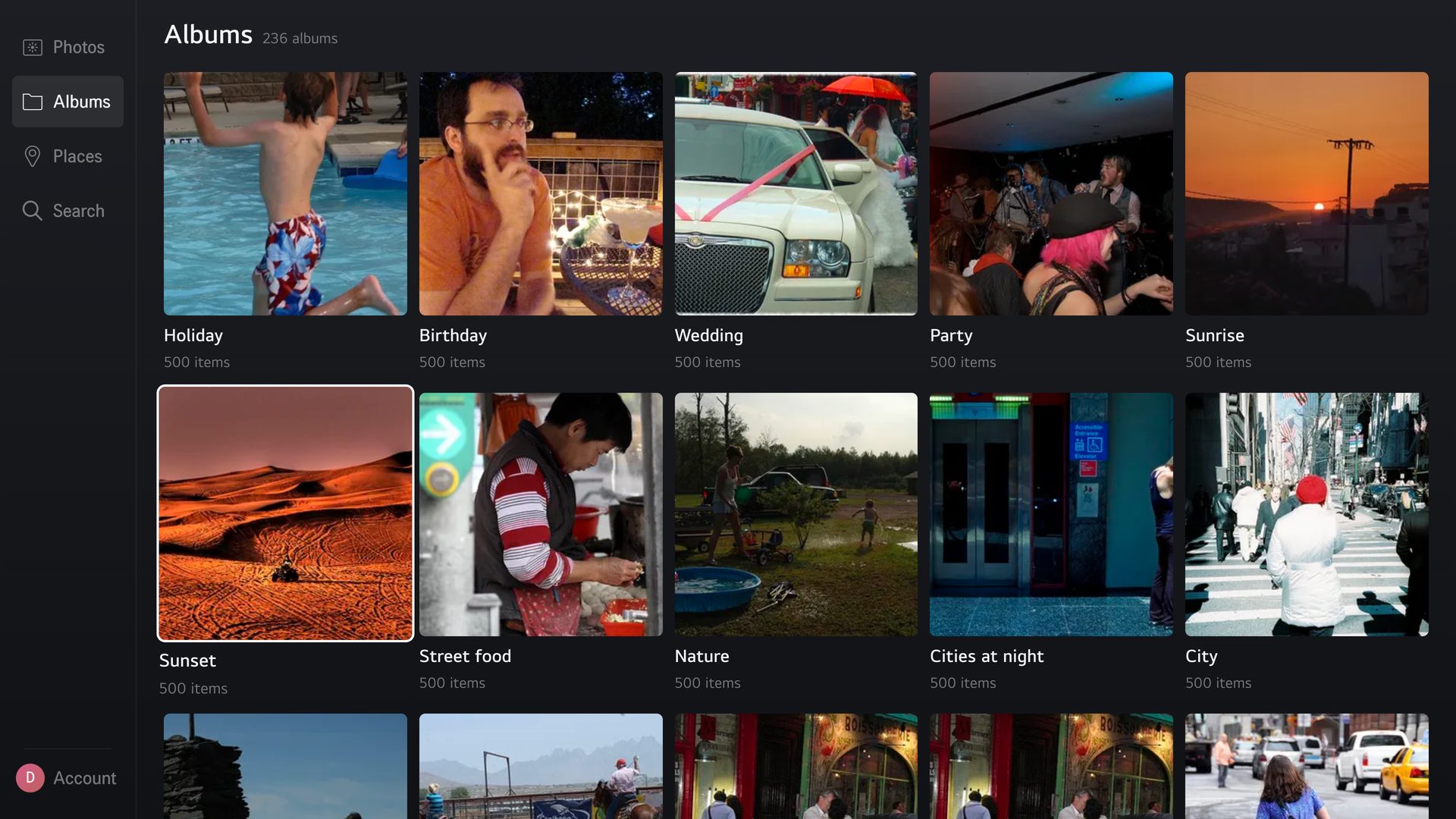
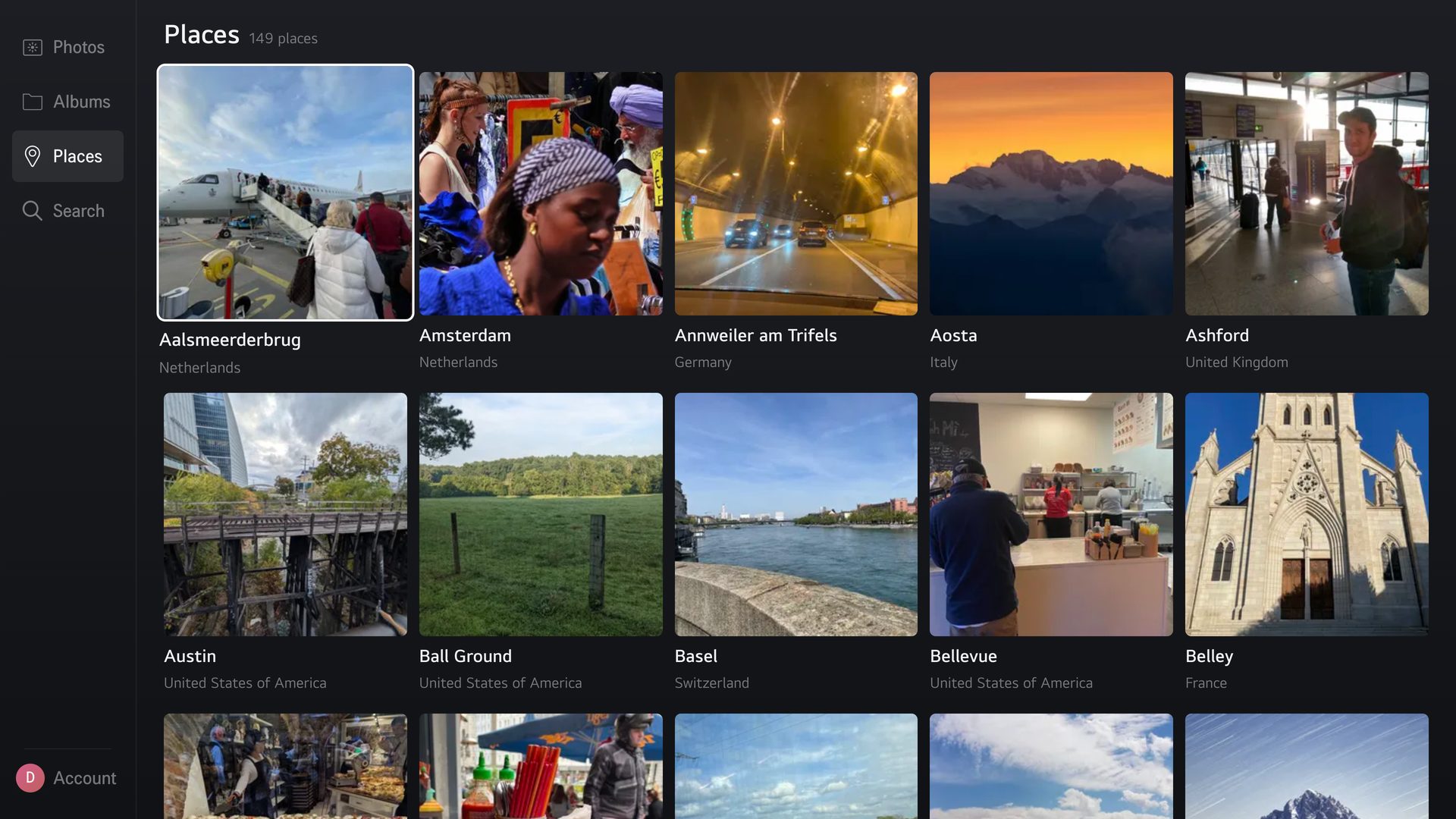
- Albums and places — every album, and every city your photos were taken in
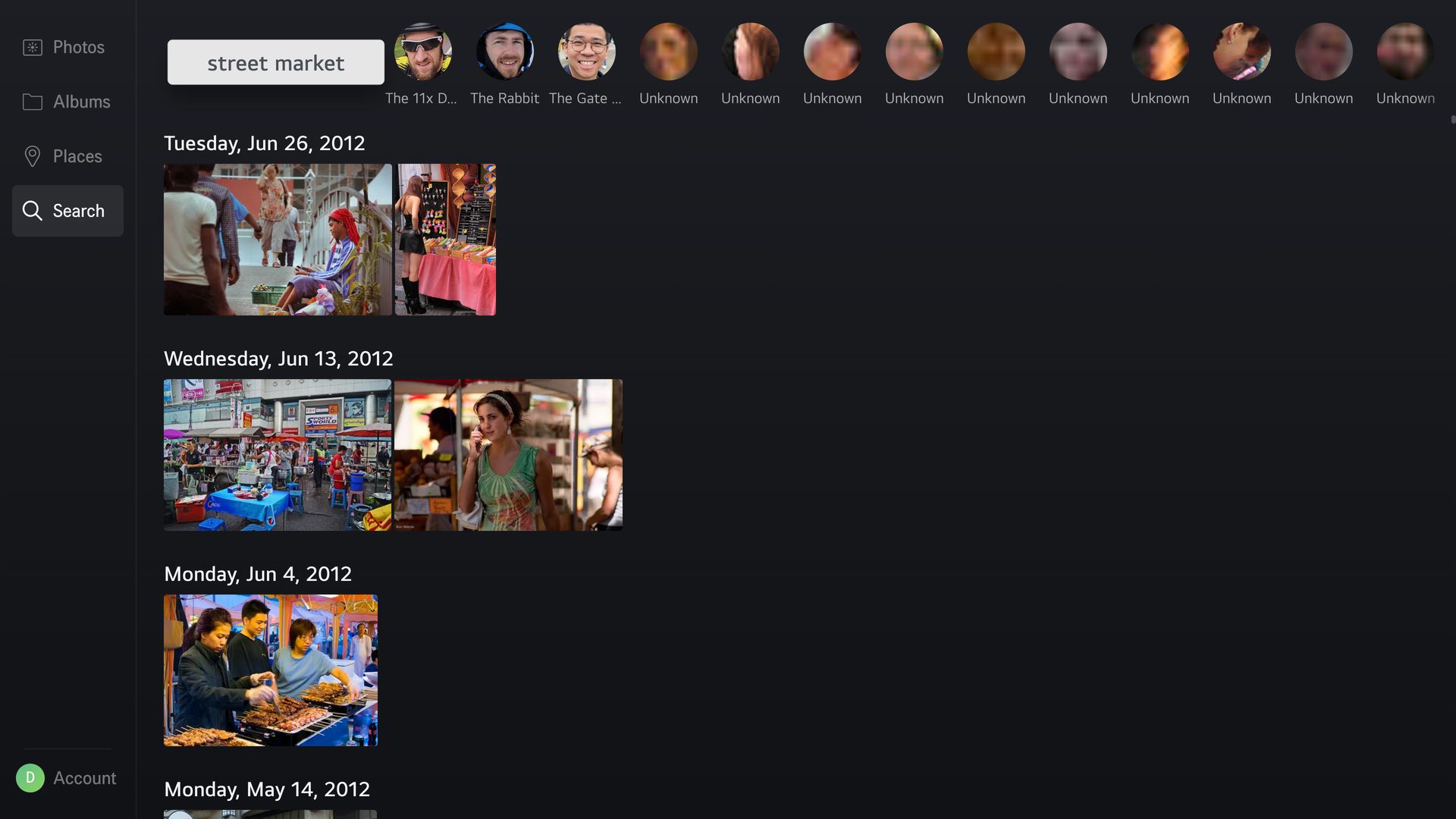
- Search — Immich smart search and the people Immich recognized
- Videos — playback with TV-friendly controls
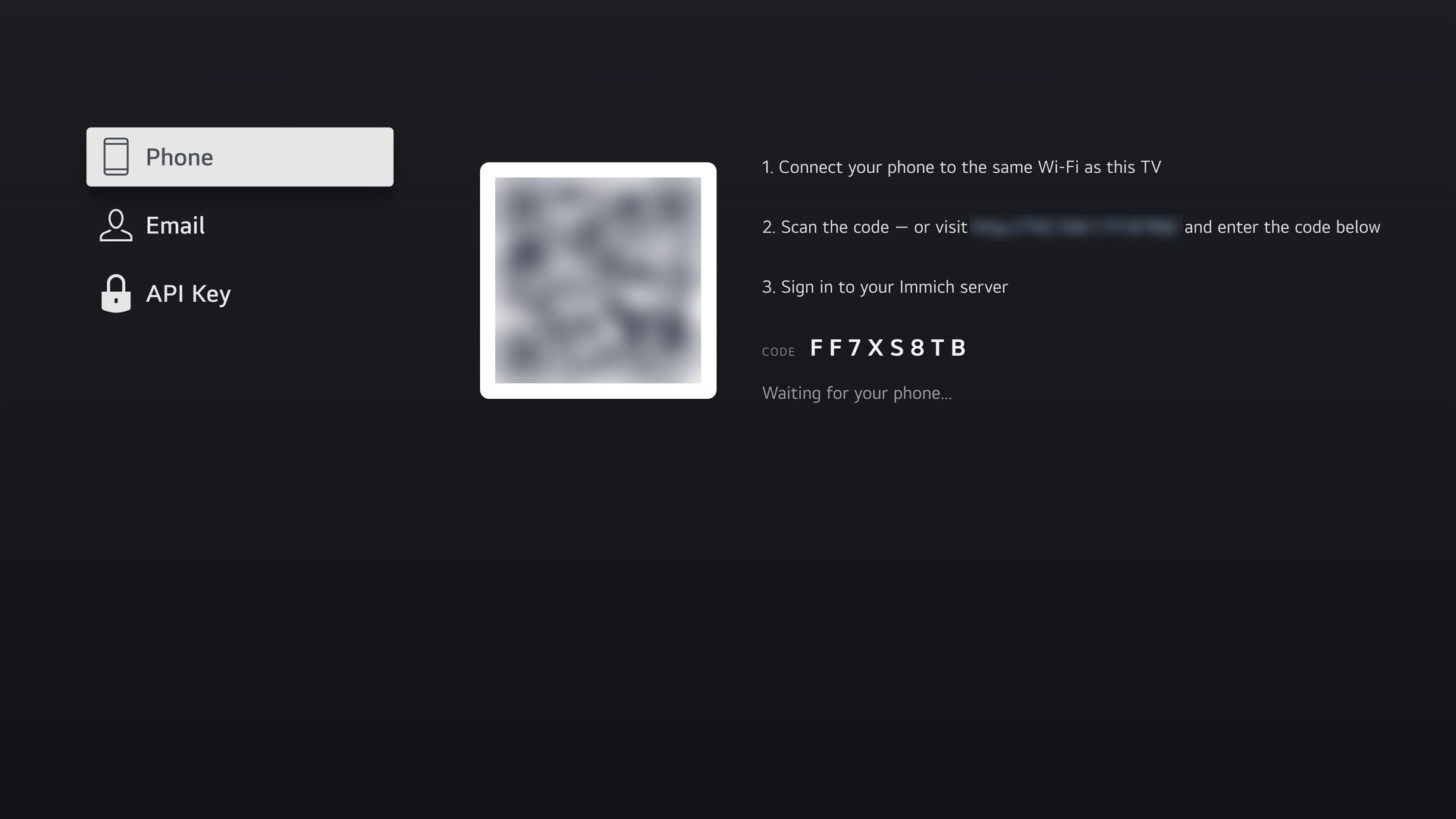
- Sign in with your phone — scan a QR code instead of typing with the remote; pairing stays on your home network
- Several accounts — switch between servers or family members
- Made for the remote — the arrow keys work everywhere, and so do the Magic Remote pointer and wheel
Setup
- Launch the app and add your Immich account: sign in with your phone, your email and password, or an API key
- Your timeline loads
On TVs older than webOS 10, your Immich server must accept cross-origin requests: see the CORS setup.
Disclaimer
Unofficial third-party client, not affiliated with the Immich project.