
TVerOff
Ad-free playback for the stock TVer app on rooted LG webOS TVs. TVer itself stays untouched and keeps auto-updating; every way of launching it - including the remote's dedicated button - keeps working, because the real TVer app is still the app.
TVer's commercials are stitched into the video by TVer's servers. The player asks for that stream with
ssai=1, while TVer's own home-screen previews ask for the plain stream with ssai=0. TVerOff places one
small file in TVer's app folder that webOS loads into TVer's pages, and that file makes the playback request
ask for ssai=0. No proxy, no certificates, no DNS or hosts changes, no system files - Stop Service
removes the file again. Widevine and the content streams stay exactly as TVer serves them.
Usage
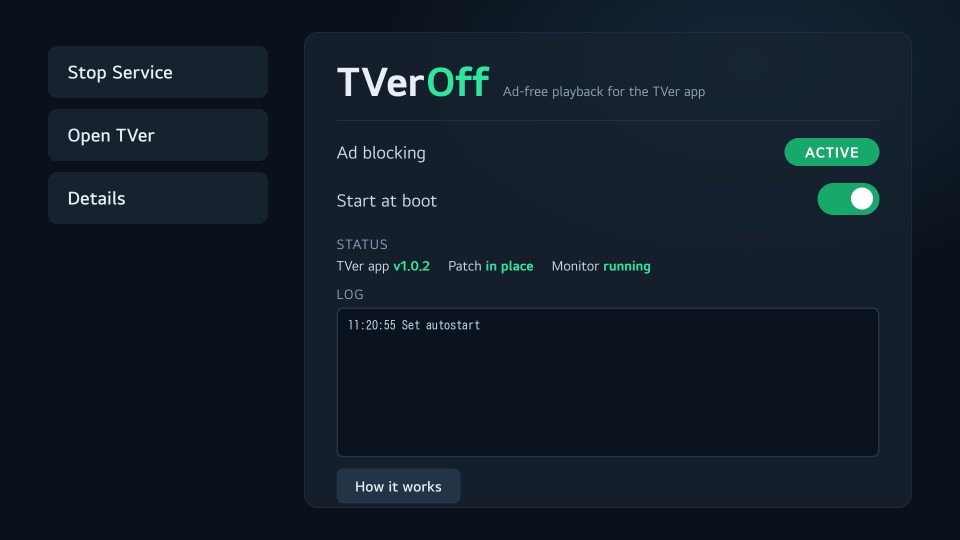
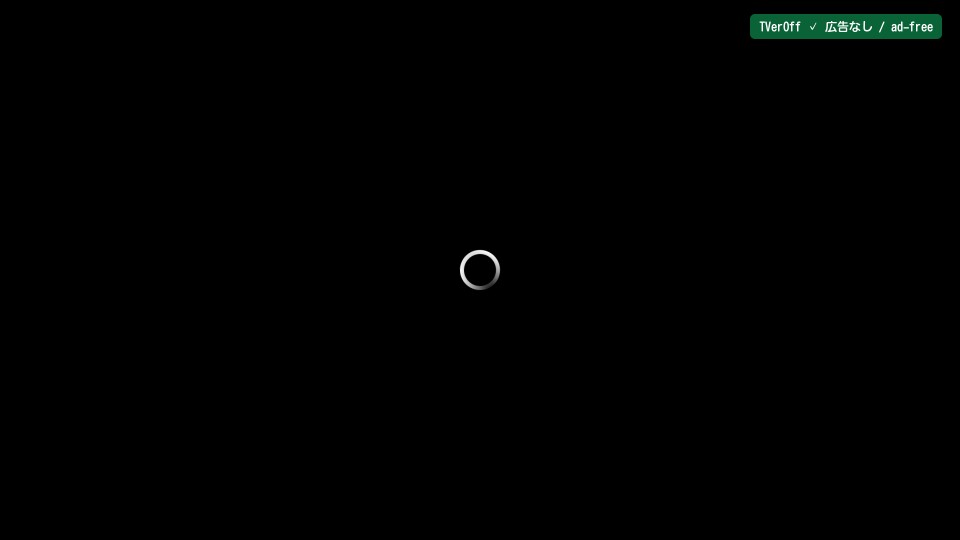
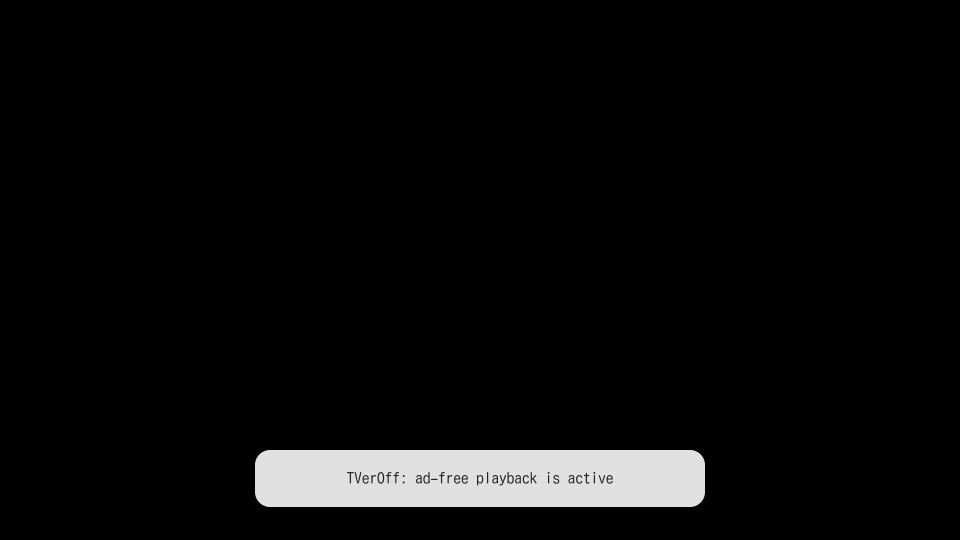
- Launch TVerOff, run Start Service (a green badge on the TV confirms ad-free playback).
- Optional: enable Start at boot.
- Open TVer and play something.
After a TVer app update, open TVer once: TVerOff notices, puts its file back and restarts TVer. If TVer ever
stops honouring ssai=0, TVerOff shows a red "ads not blocked" badge instead of failing silently, and
development/smoke_test.py in the source repository re-checks it on a real TV.
Status
- Tested on: LG OLED55C2PJA, webOS 11.2.0, Homebrew Channel 0.7.3, TVer app 1.0.2 (web build 7.0.15)
- Older webOS releases are untested; the
webOSUserScriptsinjection hook is the requirement - Live streams, TVer's own survey and the "PR" promo cards on the home screen are not touched
- TVer is free to watch because of its advertising; blocking it may be against its terms of use
Companion of AmazOff (Prime Video), written from scratch for a completely different interception technique.