webOS Terminal
Native terminal emulator for rooted LG webOS TVs — run shell commands on your TV without a laptop.
webOS Terminal
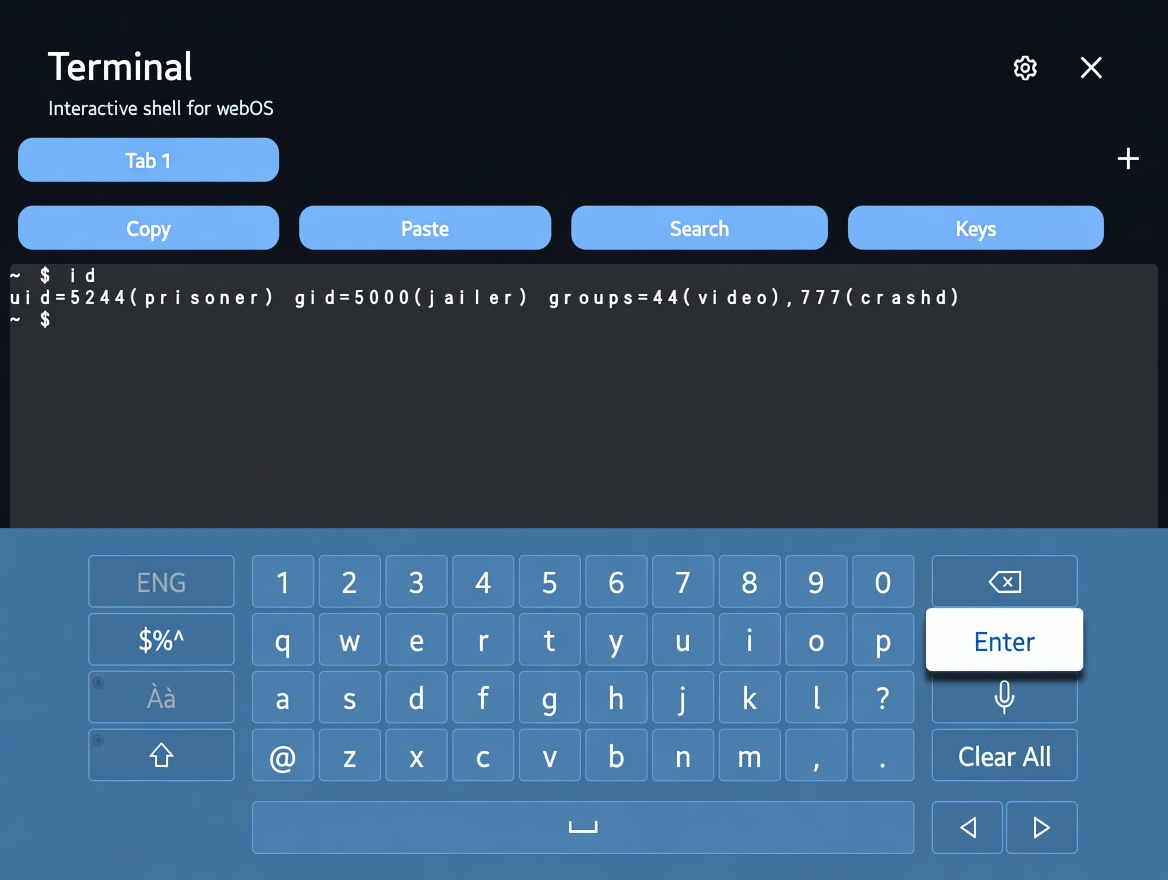
A native terminal app for LG webOS TVs. Open a shell right on your TV — no laptop required.
Root required. This app only works on a rooted LG webOS TV with Homebrew Channel installed.
Features
- Interactive shell on your TV using the remote and on-screen keyboard
- Multiple tabs, each with its own shell session (full UI on webOS 3+)
- Remote-friendly key bar (Ctrl, Esc, Tab, arrow keys)
- Native PTY via
ptybridgewith raw keystroke passthrough when elevated — shell history, tab completion, job control, and full-screen apps (vim,htop,less,tmux) - Piped-shell fallback with client-side line history when a PTY is unavailable
- Shell automation API for remote
luna-sendcontrol (SSH scripting, session listing, command execution) - Bundled monospace font selection (JetBrains Mono, IBM Plex Mono, Cascadia Mono, DejaVu Sans Mono, Fira Mono) with live preview
- webOS 1–2 support via dual-boot cut-down legacy shell (vanilla ES5) — confirmed on webOS 2
- Compact package — IPK is about ~1.7 MB (pruned locales/fonts)
Requirements
- Rooted LG webOS TV with Homebrew Channel
- webOS 4+ for the full multi-tab React/xterm UI; webOS 3 experimental; webOS 1–2 use the cut-down legacy shell (v0.0.12+)
For full PTY/TUI support, elevate the shell service to root — see the install guide.