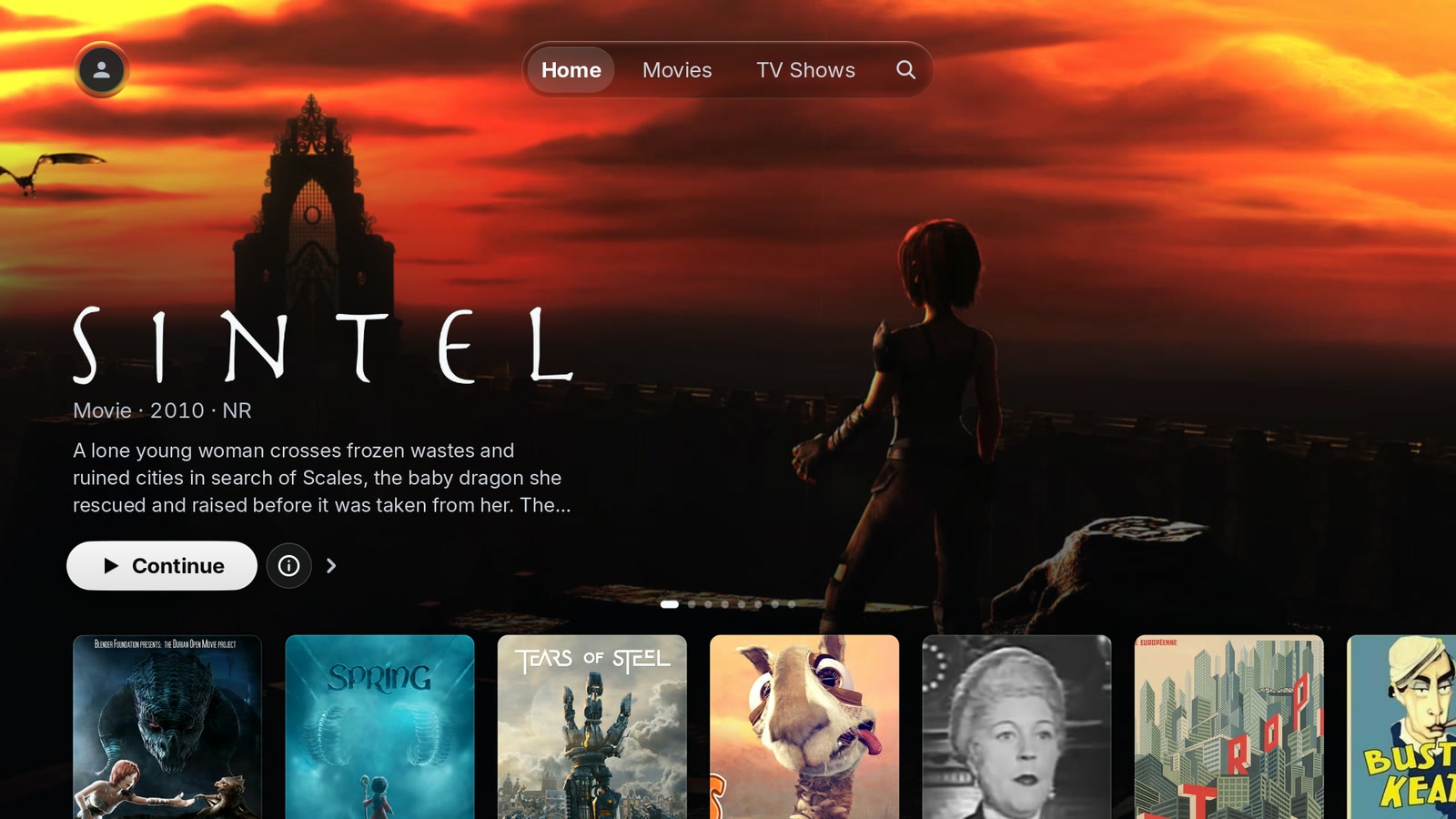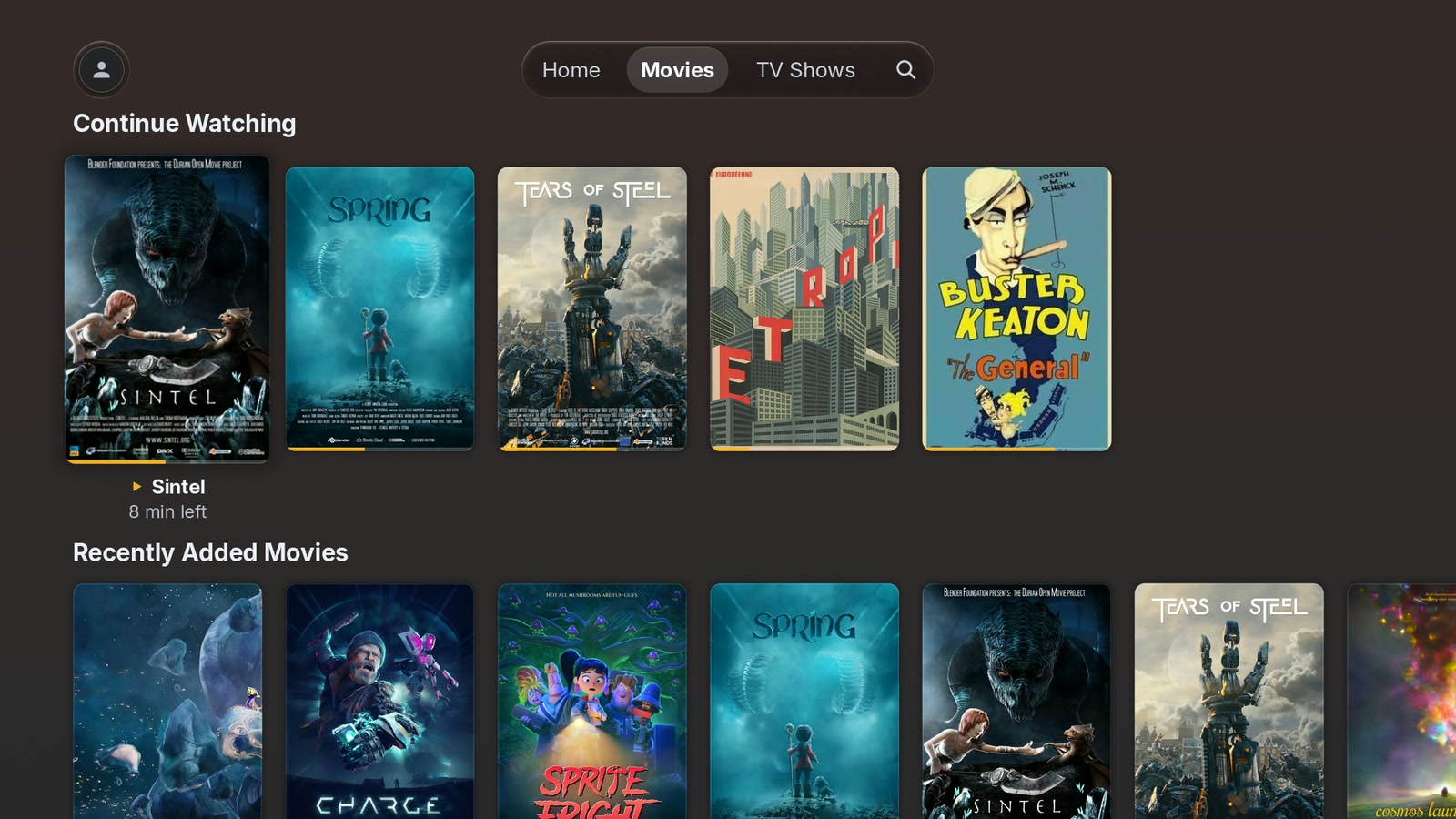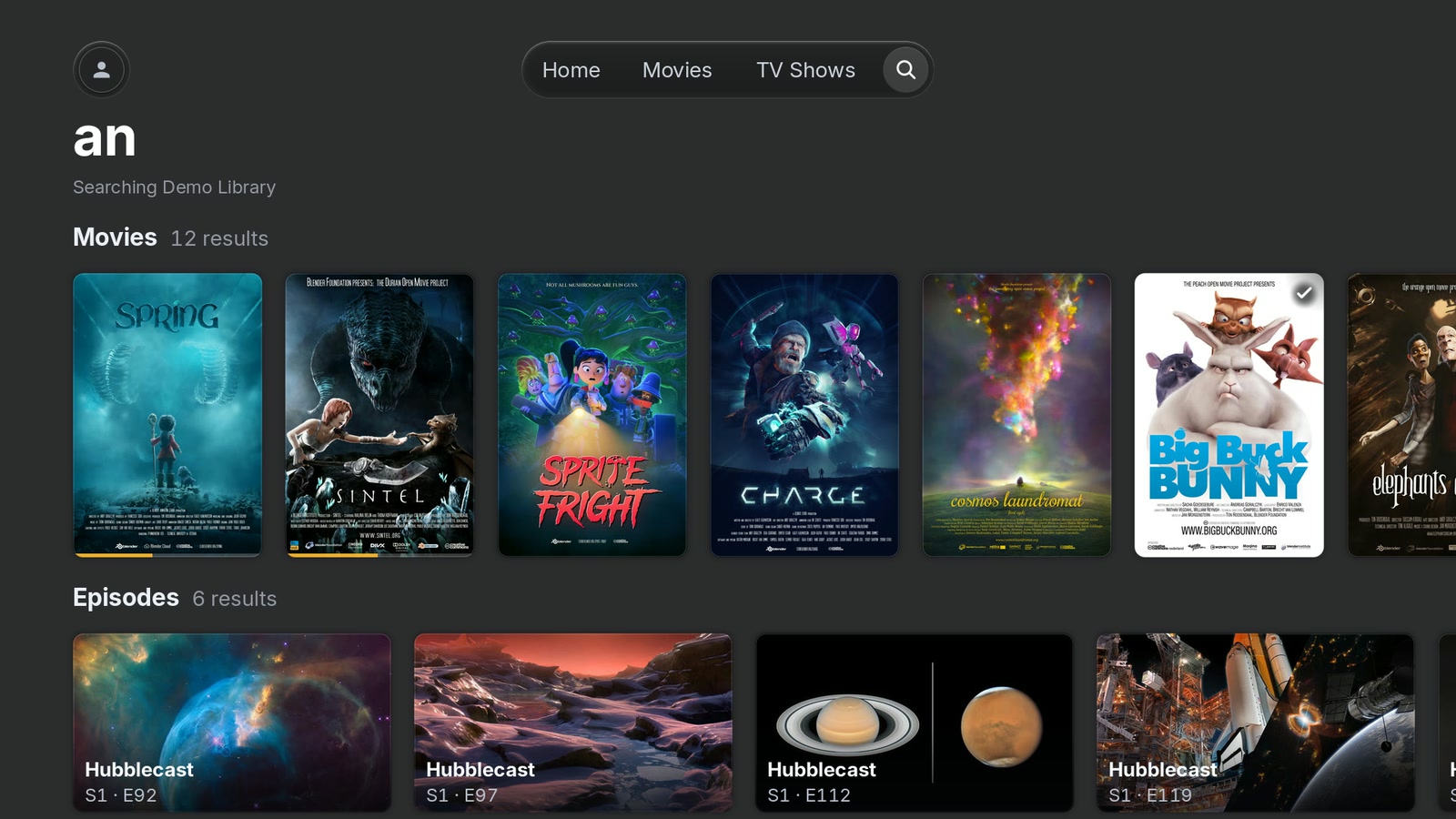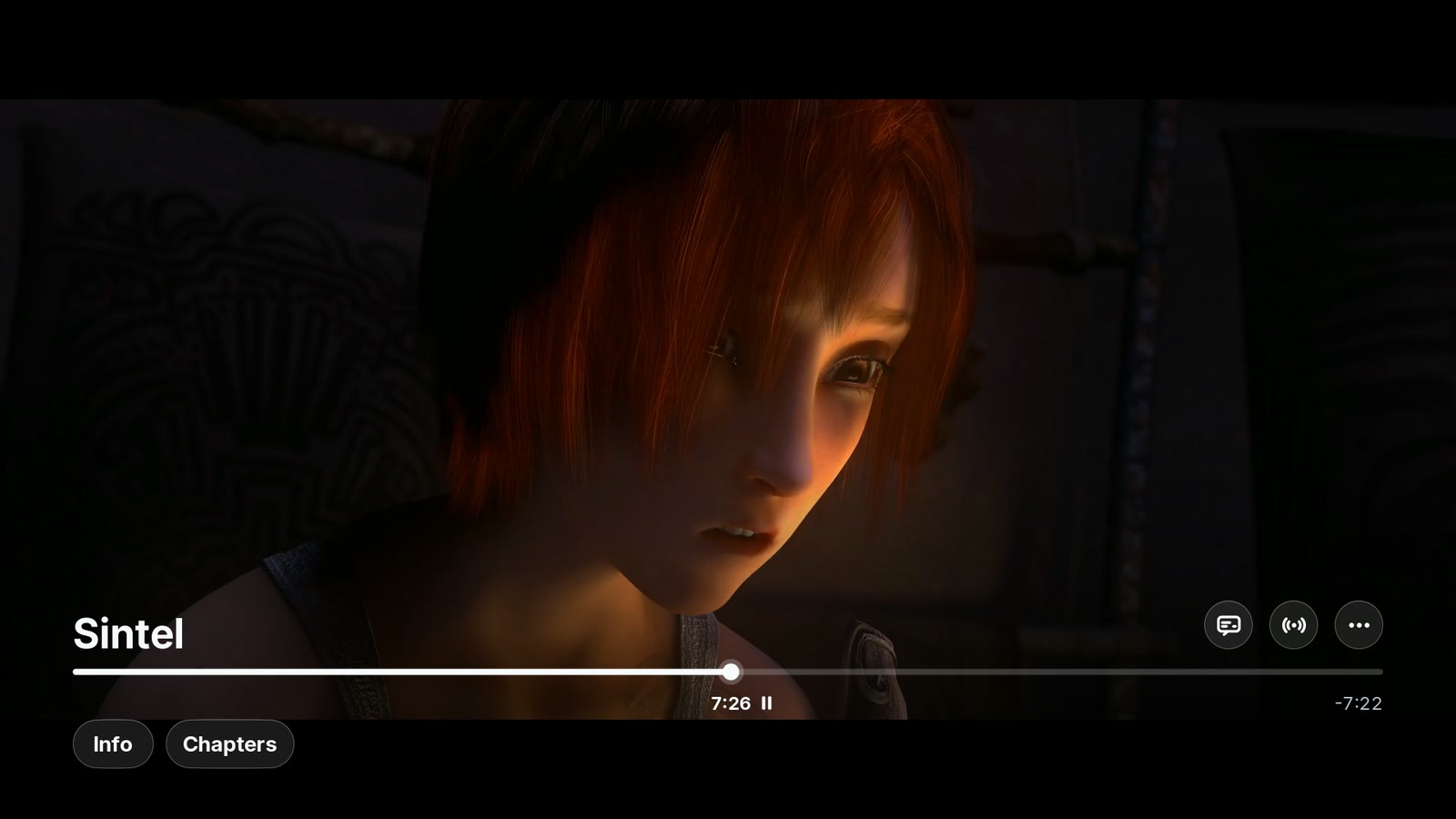
PlxNative icon

PlxNative

Unofficial native Plex client - not affiliated with Plex

An unofficial, native Plex client for LG webOS televisions.

The official Plex app on these sets runs in Chromium, and on older hardware it shows: shelves stutter, posters open a beat late. PlxNative draws its interface directly on the GPU and hands video to the TV's own hardware decoder — the same silicon the built-in apps use — so the picture sits on the video plane with the interface composited over it.

What it does

  • Sign in on the TV with an on-screen QR code, pick a Plex Home profile, browse and play
  • Every server your account can reach, at once — your own and any a friend has shared with you, merged on the home screen and side by side in the library list
  • Search across all of them from one field, typed with the television's own keyboard
  • Direct play wherever the TV can decode it, including HEVC, 4K and 10-bit; the server is asked to transcode only when it genuinely cannot
  • Resume, seek and scrub, chapters, audio and subtitle track switching (including image subtitles), Skip Intro / Skip Credits, Up Next with auto-advance, and progress reported back to your server
  • Dolby Vision and Dolby Atmos are declared to the television rather than sent down unlabelled, so a Dolby Vision file is no longer played as if it were ordinary HDR, and the panel is confirmed to switch into its Dolby Vision mode on one television — see the scope note below

Scope — please read before installing

  • Movies and TV shows only. No music, photos, live TV or DVR.
  • Unencrypted connections to your server, including over the internet. The app speaks plain HTTP to a numeric address, with your access token in the URL — it has no TLS and no name resolver. Your own server on your own LAN is reached there, as before; a library a friend has shared is normally reached at a public address, and that traffic crosses the internet in clear text. Servers behind Plex Relay, servers that require secure connections, and servers reachable only by hostname or IPv6 cannot be dialled at all, and there is nowhere to enter an address.
  • Two televisions have been watched, out of every set this installs on. Video is verified on a 2019 LG (platform release 4.10.2) by the author, and reported working on a 2021 LG 65UP7560AUD (6.5.2) by a webosbrew reviewer. Everything from webOS 4.0 up is checked only for whether the app starts, which says nothing about whether a picture appears. If you are on 5.x, 10 or 11, you are the first — and a report either way is welcome.
  • Dolby Vision is confirmed on ONE television. On the 2019 set this is developed against, a Profile 5 or Profile 8 film moves the panel into its Dolby Vision picture mode, and a Profile 7 film — the dual-layer kind this app cannot feed — is refused and lands on HDR10, which is what refusing it should produce. That is one set. If yours is a different year or a different panel, that is still the report worth sending.
  • Seeking on webOS 5 and newer takes a slower route. It reloads the stream rather than moving within it. It works; it has not been watched on hardware.
  • Bit depth is asserted, not probed. The app reads the codec table your television publishes and reports the codecs and resolutions it actually lists — but that table has no column for bit depth, so 10-bit is still claimed without asking.

The app talks to the Plex Media Servers your account can reach, to plex.tv to sign in, and to discover.provider.plex.tv for cast biographies. Error reports and usage are two separate switches. The first question presents both selected, but that is only an inert draft: nothing is collected or sent until you explicitly save reporting settings, BACK cancels, and Continue without reporting records both as off. The choices remain reversible under Account → Reporting settings, the question shows the exact messages before anything can be enabled, and no title, search term, server name or address can appear in one. Sign-in to your Plex account is encrypted; traffic to a media server is not (above).

Not affiliated with, endorsed by, or sponsored by Plex GmbH or LG Electronics.

Source, screenshots and issues: https://github.com/GLinnik21/plx-native